A TikTok carousel is a photo mode post: a series of still images that people swipe through at their own pace, with music playing underneath. To make one that gets views, put a strong hook on the first slide, give each following slide one idea in a few large words, end on a slide that asks for a save, a follow or a comment, and publish in vertical 9:16 so every slide fills the screen. Most carousels that flop break the first rule: slide one does not give anyone a reason to swipe.
You will also see the format called a TikTok slideshow. It is cheap to produce (no filming, no editing timeline), it suits faceless accounts, and it gives the feed signals that videos struggle to collect, like swipes and saves. This guide covers why the format works, the current specs, a structure you can reuse, the main carousel types with examples, design rules, common mistakes, and how to reuse the same slides on Instagram.

Why do TikTok carousels work so well?
Short-form feeds decide what to push by watching how the first viewers react to a post. A carousel changes the shape of that reaction in a few useful ways.
- Swipes are active engagement: each swipe is a small decision to keep going. A viewer who swipes through eight slides has interacted with your post eight times, which a passive video view does not show as clearly.
- Dwell time grows with reading: people read at their own pace, and a dense slide can hold someone for several seconds. A ten-slide carousel can easily keep a viewer longer than a fifteen-second video.
- Saves come naturally: lists, checklists and step-by-step guides are things people want to come back to. Carousels are the format people save for later, and a save is a strong signal that the post is worth something.
- Music keeps it alive: unlike a static image, a TikTok photo post plays a sound while people swipe, so it feels native in a feed of videos.
There is a production argument too. A carousel needs a hook, a handful of short lines and some visuals. No camera, no face, no editing. That is why it is often the first format a busy founder can actually publish every day. If you are still working out your pace, our guide on how often to post on TikTok, Reels and Shorts helps you set a realistic cadence.
What are the TikTok carousel specs?
TikTok's own photo post documentation sets the upper limit at 35 images per post, with a title of up to 90 characters and a description of up to 4,000 characters. Images go up as JPEG or WebP, up to 1080p and 20 MB each. In the app, you pick the images from your gallery in photo mode, add a sound, then add text on the slides and a caption.
| Element | What to use | Why |
|---|---|---|
| Number of slides | Up to 35, in practice 5 to 10 | Enough to deliver value, short enough to finish |
| Ratio | 9:16 vertical (1080 × 1920 px) | Fills the screen; other ratios get bars around them |
| File format | JPEG or WebP, max 1080p, 20 MB per image | Accepted by TikTok's publishing API |
| Music | One sound for the whole carousel | Plays while people swipe; pick it to match the mood, not just the trend |
| Text on slides | One idea, about 5 to 25 words per slide | Readable in two or three seconds on a phone |
| Caption | A short line that extends the hook, plus a few relevant keywords | TikTok is also a search engine; captions help people find the post |
How do you structure a TikTok carousel, slide by slide?
A carousel is a mini story with a promise at the start and a payoff at the end. This structure works for most topics:
- Slide 1: the hookA clear promise or a tension that only the next slides resolve. "5 mistakes that kill your first app launch" beats "Launch tips". Large text, high contrast, one visual. This slide does most of the work, so write several versions before you pick one.
- Slide 2: the setupConfirm the promise and give a reason to continue: the context, the problem, or the first point if the list is tight. Avoid a slow introduction here, people decide on slide two whether to keep swiping.
- Slides 3 to N: one idea per slideA short title and, if needed, one or two lines of explanation. If a slide holds two ideas, split it. Keep the same layout from slide to slide so the eye knows where to look.
- Second to last: the payoffThe best point, the result, or the summary. Saving your strongest idea for near the end rewards the people who swiped all the way.
- Last slide: the CTAOne ask, not three. "Save this for your next launch", "Follow for part 2" or "Which one did you get wrong? Tell me in the comments". Match the ask to the post: a checklist calls for a save, a hot take for a comment.
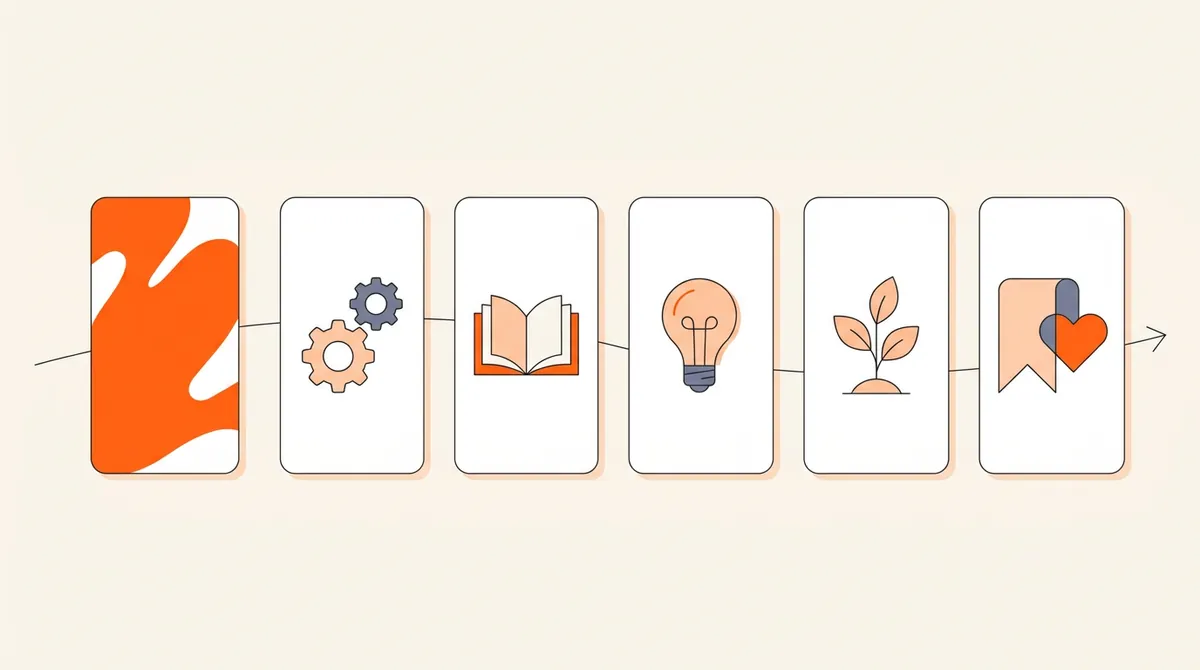
A useful test: read only the titles of your slides out loud. If they tell the story on their own, the carousel works. If you need the small text to understand it, the titles are too vague.
What types of TikTok carousels work best?
Most carousels that perform fall into a few families. Pick the one that fits your idea rather than forcing every idea into a list.
Rotate between two or three of these types inside your content angles. The same angle ("onboarding mistakes", for example) can be a list one week and a story the next, which tells you whether your audience reacts to the topic or to the shape.
How do you design TikTok carousel slides that people read?
Design rules
- Readable at arm's length: big type, a clean font, strong contrast between text and background. If you have to zoom to read it, it is too small.
- One layout, repeated: same text position, same font, same colors across the slides. Consistency makes the carousel feel finished and easier to read.
- Visuals that support, not decorate: a real photo of your product, your workspace or the result is worth more than a generic stock image. When text sits on a photo, darken or blur the background so the words stay readable.
- Make the first slide different: a bolder color or a striking image tells the viewer this post is worth stopping on.
- Native beats polished: slides that look like a corporate brochure get scrolled past. Text styles that look like they belong on TikTok usually perform better.
Mistakes that kill a carousel
- A vague first slide: a title like "Marketing tips" gives no reason to swipe. Promise something specific.
- Walls of text on every slide: a carousel is not a blog post cut into pieces. If a slide needs more than three short lines, split it or cut it.
- Too many slides for too little content: padding a five-point idea into fifteen slides loses people in the middle.
- The wrong ratio: square or horizontal images leave empty bars on TikTok and look like a repost.
- No CTA, or five CTAs: end with one clear ask.
- Judging the format on one post: like any short-form format, carousels need a few weeks of regular posting before the results mean anything.
Can you post the same carousel on TikTok and Instagram?
Yes, and you should: the slides are already made, so a second platform costs only a few minutes. A few differences matter.
| Spec | TikTok photo mode | Instagram carousel |
|---|---|---|
| Max items | 35 images | 20 photos or videos |
| Best ratio | 9:16 | 4:5 (or 1:1) in the feed |
| Music | Built in, part of the format | Optional |
| Caption | Short, conversational, a few keywords | Can carry more context and a call to save or share |
Instagram raised its carousel limit to 20 items in 2024, as Social Media Today reported, so a long TikTok carousel may need trimming. The main adjustment is the ratio: a 9:16 slide gets cropped in the Instagram feed, so either export a 4:5 version or keep the text inside a central safe zone that survives the crop. Then rewrite the caption for each app rather than pasting the same one. For Instagram's own sizes, the crop rule and carousel ideas, see our Instagram carousel guide.
If making slides by hand is what stops you from posting every day, this is where a tool helps. Bloomr generates carousels for your brand: a hook on slide one, one idea per slide, real photos from your media library or generated images, and a track from its music catalog. Each brand has editorial lines that hold your content angles, format mix and language, and Auto Gen drafts posts one after another from those angles, so you keep the good ones and skip the rest. Carousels can be made in 9:16 for TikTok or in 4:5 and 1:1 for the Instagram feed, then published directly to TikTok and Instagram or scheduled for a date and time. For the wider workflow, see our guide on automating short-form content with AI.